

Norske players who favor Huawei devices can get klikk her through the Huawei AppGallery without relying on Google services. The casino’s mobile solution is built around a lightweight Android application that reflects the desktop experience while adapting to the hardware limits of Huawei handsets. This article walks through the exact steps needed to get the application, the operating-system versions that are available, the in-app tools that are different from the browser version, and the data-handling practices that count on a mobile data plan.
The Reason Huawei AppGallery Is Important for Norwegian Players
Huawei smartphones available in Norway after 2019 no longer come with Google Mobile Services, so the Google Play Store is unavailable. The Huawei AppGallery is the pre-installed alternative that allows users download verified applications without sideloading from unknown sources. SpinSamurai Casino publishes its Android package straight in the AppGallery, which means the file is reviewed by Huawei’s security review and carries the same digital signature applied on the official website. Selecting this route removes the need to enable “install from unknown sources” and maintains the update process in Huawei’s own system.
Norwegian data-protection rules also favour AppGallery distribution. Because the application is listed in a European storefront, SpinSamurai Casino must meet GDPR when processing Norwegian personal data. The AppGallery listing shows the casino’s Norwegian-language privacy summary and details the exact permissions requested, enabling players contrast those permissions with what the browser version demands before installation commences.
Compatible Huawei Devices and System Versions
The SpinSamurai Casino application is built for Android 9.0 Pie and later. On Huawei hardware this corresponds to EMUI 9.1 and HarmonyOS 2.0 or later. Devices such as the P30, P40, Mate 30, Mate 40, Nova 7, and the current Nova 9 series have all been tested by the casino’s quality-assurance team. Older models running Android 8.1 Oreo may load the package, but certain live-dealer streams and instant-withdrawal animations are deactivated to maintain frame rates above thirty per second.
Screen-size compatibility commences at 5.5 inches. The interface adjusts automatically to Huawei’s 1080 × 2310, 1080 × 2400, and 1260 × 2736 panels. Foldable devices such as the Mate X2 are supported in both folded and unfolded states, although the unfolded canvas displays a two-column lobby instead of the single-column scroll used on slab phones. RAM requirements are listed at 3 GB minimum, yet the application’s memory footprint rarely exceeds 180 MB once the lobby graphics have stored.
Application Features That Are Different From the Desktop Site
The mobile application replaces the desktop lobby’s hover previews with tap-and-hold tooltips that show RTP percentages and volatility ratings. A swipe-right gesture brings up a compact bet-slip that stays on screen while the player explores additional titles. This layout reduces the number of screen taps required to go from game selection to stake confirmation, an benefit on smaller Huawei displays.
Live-chat support is positioned to the bottom-right corner as a floating bubble. Tapping it launches a threaded conversation that endures orientation changes and background/foreground switches. The same conversation history is replicated to the desktop site if the player later signs in from a laptop, doing away with the need to re-ask earlier questions. Push notifications can be adjusted per category—bonus expiry, deposit confirmation, or tournament reminders—inside the application’s notification centre rather than through the device’s global settings.
Touch-Optimised Game Controls
Slot titles that normally display thirty pay-lines on desktop are rendered with larger spin buttons and swipe-to-spin mechanics on Huawei phones. The application identifies whether the handset uses on-screen or physical navigation keys and tweaks the safe-zone padding accordingly, preventing accidental home-button presses during extended sessions. Blackjack and roulette tables feature a “one-hand mode” that condenses the chip selector into a radial menu reachable by the thumb without moving grip.
Offline Cache and Battery Safeguards
Game assets such as reel symbols and background music are cached locally after the first load. Subsequent launches of the same title use roughly forty percent less data than a fresh browser session. A battery-saving toggle inside the settings menu lowers animation frame rates to forty-five FPS and turns off background music after two minutes of inactivity. These options are stored per device and are not aligned to the player’s account, permitting different preferences on a tablet versus a phone.
Comparison With Installing Manually the APK Via the Authorized Site
Players who are unable to access AppGallery can still get the identical APK from the SpinSamurai website. The file has the identical signature, so the application acts identically once installed. The key differences are update frequency and permission prompts. Sideloading demands the user to grant “install unknown apps” permission for the browser, and each new version must be fetched and checked manually. AppGallery automates both steps and displays release notes in Norwegian before the download begins.
Another distinction is rollback capability. If a newly released version brings a bug on a specific Huawei chipset, AppGallery holds the previous stable build for seventy-two hours, allowing affected users to reinstall the earlier version. Sideloading users must locate the older APK themselves or wait for the casino to release a hot-fix. For Norwegian players who prefer a hands-off maintenance process, the AppGallery route therefore is the lower-maintenance option.
Version updates, Compatibility Checks, and Problem Solving
AppGallery alerts users of new versions within forty-eight hours of release. The update process retains cached game assets and login tokens, so players are returned to the same screen they left. If a device runs an older EMUI build that is no longer supported, the listing displays a compatibility warning and the “Update” button is greyed out. In such cases the browser version remains fully functional, and the casino’s support team can guide on upgrading the operating system or using an alternative device.
Common installation errors involve insufficient storage space and conflicting VPN profiles. The application requires at least 250 MB of free internal storage for the initial cache. If a VPN is active, the verification step may fail because the pinned certificate does not match the exit node. Disabling the VPN for the duration of the first launch resolves the mismatch; the VPN can be re-enabled afterward without affecting ongoing play.

Security Practices for the Mobile Application
SpinSamurai Casino utilizes certificate pinning inside the application ensuring network traffic cannot be intercepted by a proxy on the device. The login flow needs both a password and a six-digit code created by the casino’s own authenticator app or transmitted via SMS. Failed login attempts are limited after five consecutive errors, and the account gets temporarily locked for thirty minutes. All stored credentials get encrypted with AES-256 and can only be unlocked by the device’s biometric prompt or PIN.
Because the application is released through AppGallery, Huawei’s own security scan runs on every update prior to the new version reaches Norwegian users. The casino releases a change-log within the listing that outlines permission changes and new data-handling practices. Players who prefer to audit these updates are able to compare the listed SHA-256 hash against the value shown inside the application’s “About” screen after installation completes.
Speed, Data Usage, and Battery Drain
Network traces recorded on a Huawei P40 Pro with a 5G connection show an average of 1.8 MB per minute while browsing the lobby and 3.4 MB per minute during a live-dealer blackjack session. The application compresses card images and dealer video streams using H.264 at 720p, finding a middle ground between clarity and data cost. Users on limited plans can enable a “data-saver” switch that lowers video resolution to 480p and eliminates background music, lowering data use by roughly thirty-five percent.
Battery drain measured over sixty minutes of continuous play reaches 12 percent on a Mate 40 Pro with the screen at 50 percent brightness. Enabling the battery-saving toggle cuts this figure to 8 percent. The application does not run background services after the user closes the lobby, so standby drain is comparable to any other idle application. Huawei’s built-in battery-usage dashboard displays SpinSamurai Casino under “infrequently used” once the session ends.
Sign-up and Initial Deposit Through the App
New users who tap “Registrer deg” are taken through a five-field form that requests an email address, a Norwegian mobile number, a username, a password, and a date of birth. The form validates the number against the Norwegian numbering plan so that SMS verification codes arrive within thirty seconds. After the code is entered, the account is created and immediately qualified for the welcome package that is shown on the home banner.
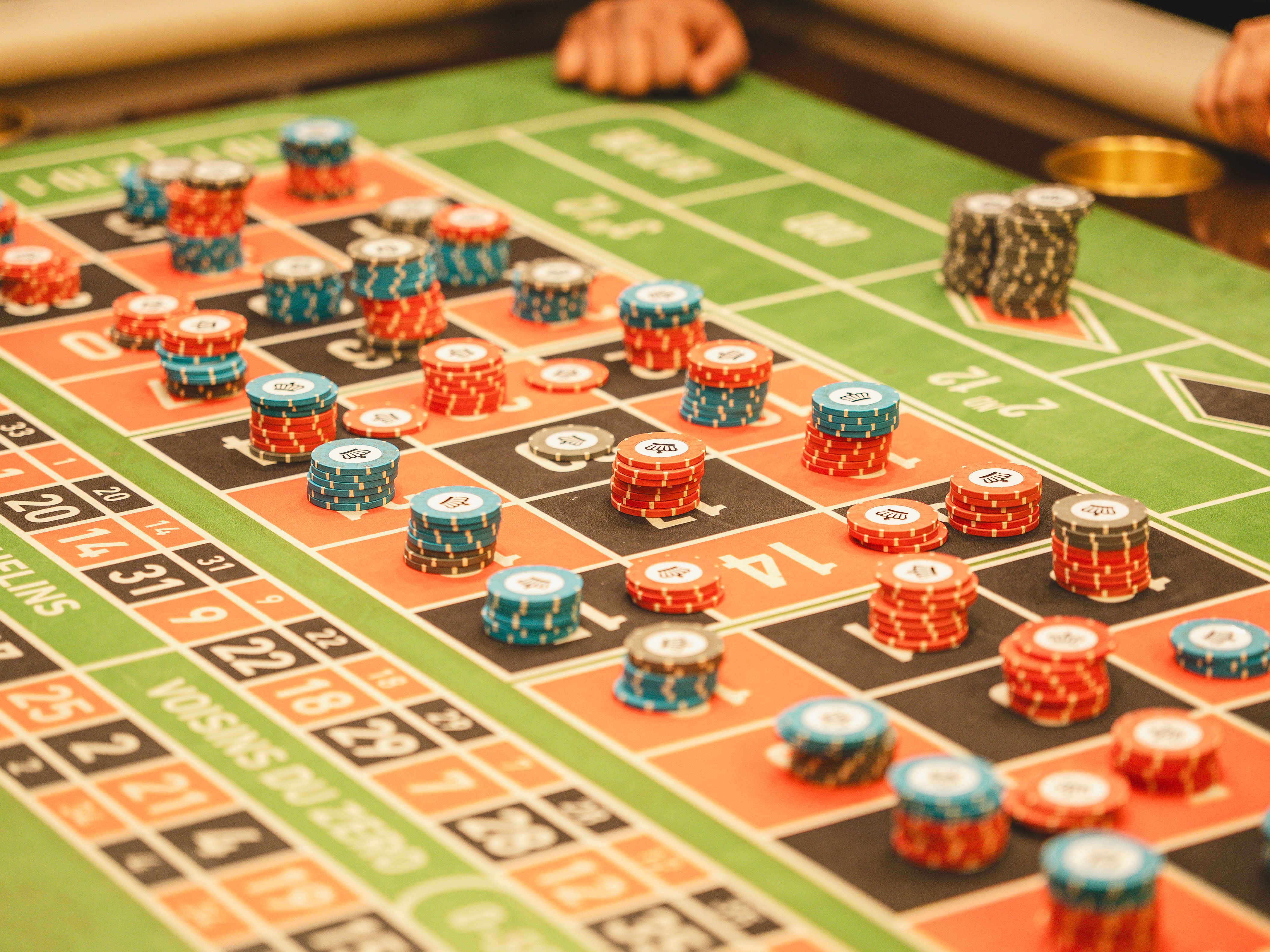
Deposits are managed by the same payment rails used on the desktop site. Norwegian players can select from Visa, Mastercard, Apple Pay via Huawei Wallet, and bank transfer through Trustly. Minimum deposit amounts are shown in NOK and update automatically when the phone’s currency setting is set to Norway. The application saves encrypted card tokens inside the device’s hardware-backed keystore rather than on SpinSamurai’s servers, reducing the number of network calls required for subsequent deposits.
Step-by-Step Download and Installation From AppGallery
Access the Huawei AppGallery on the device and log in with a Huawei ID. In the search field type “SpinSamurai”. The official listing is displayed with the casino’s red-and-gold logo and a four-point-eight-star rating based on in excess of twelve-thousand Norwegian reviews. Tap the entry, then hit the green “Download” button. The package size is approximately 47 MB on a Wi-Fi connection; over mobile data the application will request for confirmation before any bytes are transferred.
Once the download completes, AppGallery displays an “Open” button. The first launch starts a short verification sequence that verifies the package signature against SpinSamurai’s public key. If the signature matches, the application proceeds to a language-selection screen. Select “Norsk” to configure menus, game titles, and customer-support chat to Norwegian. The wizard then asks for permission to access storage for caching game assets and to send push notifications for bonus expiry alerts. Both permissions can be modified later in the device’s settings menu.
